Introduction
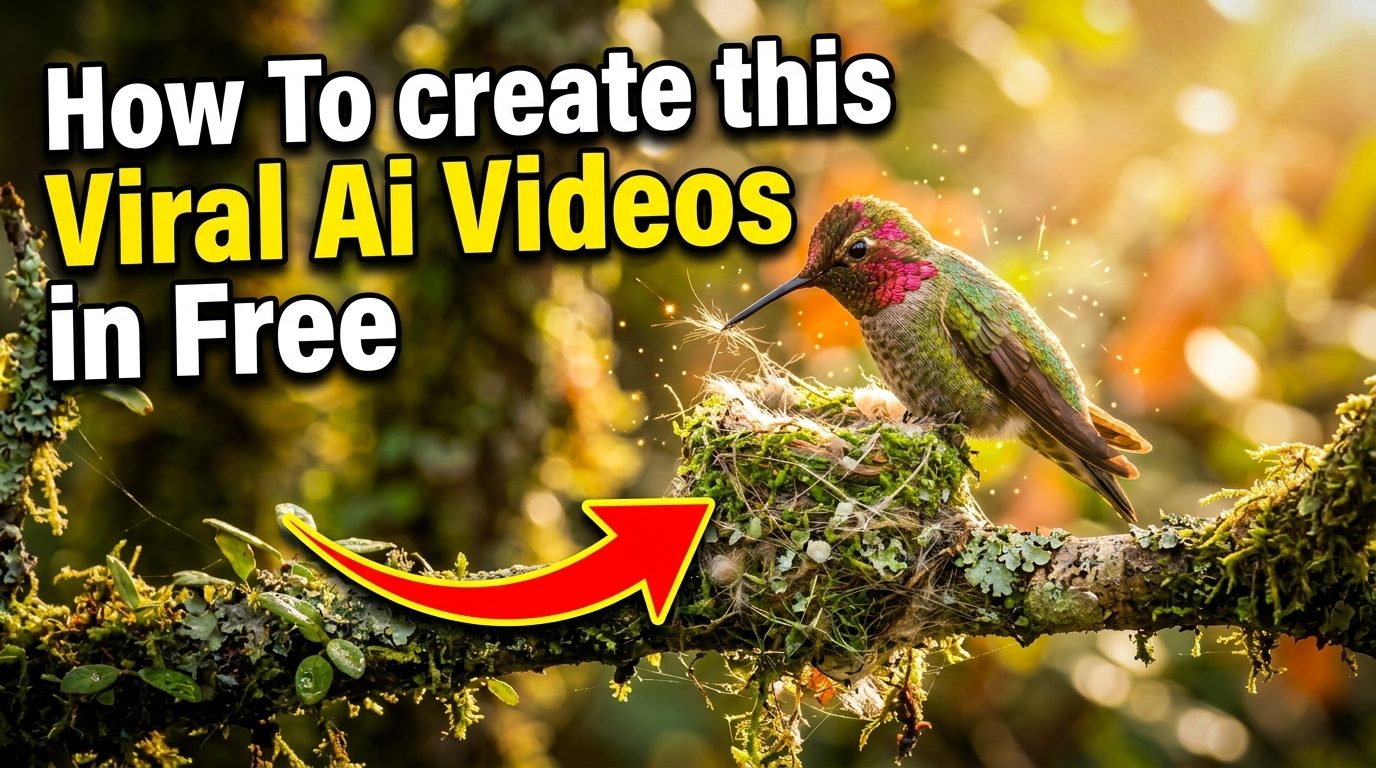
Wildlife content consistently performs well on platforms like YouTube and Facebook, and AI video tools have made it easier than ever to produce stunning nature-themed videos without costly equipment or filming expeditions. This guide walks you through creating wildlife AI videos using free tools, along with tips to help your content stand out and remain compliant with platform policies.
Why Wildlife AI Videos Are So Popular
Wildlife content connects with a universal curiosity about nature, animals, and the outdoors. AI-generated wildlife videos let creators produce visually captivating content without needing access to real filming locations, expensive cameras, or wildlife photography skills. This makes it an attractive option for beginners or those working with tight budgets.
Free Tools You Can Use
Several free or freemium AI video generation tools support nature and wildlife-style content creation:
- Text-to-video AI generators that produce short clips from written prompts.
- AI image generators combined with free video editing software to animate still images.
- Stock footage paired with AI voiceover tools for narrated documentary-style videos.
- Free video editing apps like CapCut or DaVinci Resolve for assembling and refining final clips.
Most of these tools offer free tiers with certain limitations—such as watermarks, shorter clip lengths, or fewer monthly generations—so it’s worth reviewing these before committing to a workflow.
Step-by-Step: Creating a Wildlife AI Video
- Choose your concept — pick a specific animal, habitat, or nature theme rather than something too broad.
- Write clear prompts describing the scene, lighting, and animal behavior you want to generate.
- Generate clips using your chosen AI video tool, creating multiple short segments rather than one long clip.
- Add narration or music to enhance the storytelling, using royalty-free audio to avoid copyright issues.
- Edit and assemble your clips into a cohesive sequence using free editing software.
- Export in the correct format for your target platform, keeping resolution and aspect ratio in mind.
Optimizing for YouTube
- Use clear, descriptive titles and thumbnails that accurately represent the content.
- Add relevant tags and a detailed description to help with discoverability.
- Keep videos reasonably paced, since wildlife content often performs well with a mix of calm narration and visually engaging clips.
- Avoid misleading thumbnails that don’t match the actual video content, as this can affect channel performance.
Optimizing for Facebook
- Facebook tends to favor shorter, more digestible clips, especially for casual scrolling audiences.
- Adding captions is especially important, since many users watch videos with sound off.
- Posting consistently helps build an audience familiar with your content style.
Important Considerations
Label AI-Generated Content Honestly
Both YouTube and Facebook have policies requiring creators to disclose when content is significantly AI-generated or altered. Being transparent about this not only keeps you compliant with platform rules but also builds trust with your audience.
Avoid Misleading Realism Claims
It’s important not to present AI-generated wildlife footage as real nature documentary footage. Presenting synthetic content as genuine wildlife recordings can mislead viewers and may violate platform policies around misinformation.
Copyright and Licensing
Always check the licensing terms of the AI tools and any stock assets you use, since usage rights can vary between free and paid tiers.
Frequently Asked Questions
Q: Can I monetize AI-generated wildlife videos on YouTube?
A: In many cases yes, provided the content follows platform monetization policies and includes proper AI-content disclosure where required. Policies do change, so it’s worth checking YouTube’s current guidelines before publishing.
Q: Do free AI video tools add watermarks?
A: Many free tiers do include a watermark or branding, which is usually removed with a paid upgrade.
Q: Is it okay to use AI wildlife videos for educational content?
A: Yes, as long as the content is clearly labeled as AI-generated rather than presented as authentic wildlife footage.
Q: How long should wildlife AI videos be for social media?
A: Shorter clips (under 60–90 seconds) tend to perform better on Facebook, while YouTube allows more flexibility for longer, narrated content.
Final Thoughts
Creating wildlife AI videos for free is now more accessible than ever, thanks to a growing number of AI video and image generation tools. By combining thoughtful prompts, proper editing, and honest disclosure about AI use, you can build engaging nature content for YouTube and Facebook without needing a big budget or filming experience. Start small, experiment with different tools, and refine your workflow as you learn what resonates with your audience.